
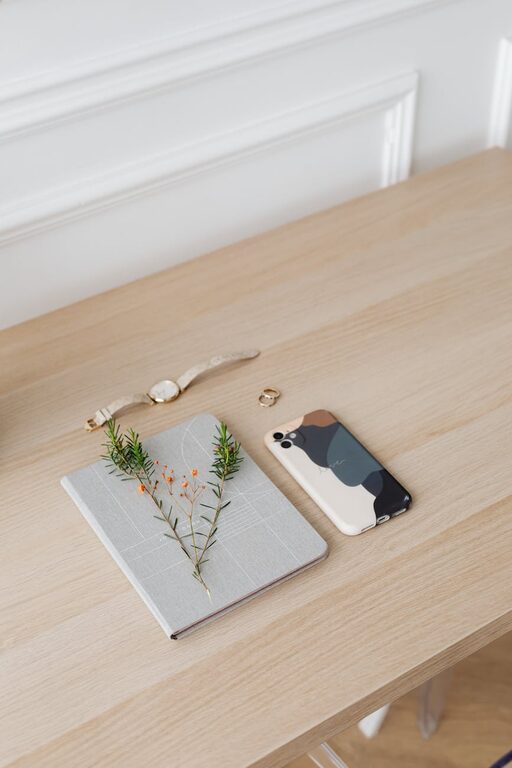
Desk Setup Tips for Maximum Focus and Comfort
Creating a desk setup that promotes both focus and comfort can transform the way you work or study. Your workspace plays a significant role in your productivity and well-being, so paying attention to how you arrange your desk is well worth the effort. In this post, we’ll explore practical tips and ideas to help you design an efficient, comfortable desk setup that minimizes distractions and physical strain.
Why Your Desk Setup Matters
A well-organized and thoughtfully arranged workspace supports better concentration by reducing clutter and minimizing physical discomfort. When your body feels supported and your environment is inviting, it’s easier to stay engaged with tasks and maintain energy throughout the day.
Benefits of an Optimized Desk Setup
– Enhances focus and productivity
– Reduces physical strain and fatigue
– Encourages good posture and ergonomics
– Creates a calm, inspiring environment
– Helps establish work-life boundaries if working from home
—
Choosing the Right Desk and Chair
Select a Comfortable Chair
Invest in a chair that supports your lower back and encourages good posture. Look for adjustable height, lumbar support, and comfortable padding. Sitting correctly reduces the risk of back and neck pain.
Pick a Desk at the Ideal Height
Your desk should allow your forearms to rest parallel to the floor when typing. Standard desk height is usually about 28–30 inches, but adjustable desks or standing desks allow more customization.
—
Positioning Your Monitor and Laptop
Monitor Placement
Position your monitor directly in front of you, approximately an arm’s length away. The top of the screen should be at or just below your eye level to prevent neck strain.
Laptop Setup
If you primarily use a laptop, consider a stand to raise the screen and an external keyboard and mouse for ergonomic hand placement.
—
Organize for Minimal Distractions
Keep Only Essentials on Your Desk
Limit your desk items to what you use daily. This declutters your workspace and keeps your focus on tasks.
Use Storage Solutions
Drawers, shelves, or desk organizers can keep supplies within reach but out of sight, maintaining a clean look.
—
Optimize Lighting
Use Natural Light When Possible
Place your desk near a window to take advantage of natural light, which can boost your mood and alertness.
Add Task Lighting
A desk lamp with adjustable brightness helps reduce eye strain when natural light is insufficient.
—
Incorporate Comfort Elements
Add a Supportive Keyboard and Mouse
Ergonomic keyboards and mice reduce wrist strain, important for long work sessions.
Use a Footrest
If your feet don’t rest flat on the floor, a footrest can improve blood circulation and posture.
Keep a Comfortable Temperature
A small fan or heater under or near your desk can help maintain a comfortable temperature.
—
Personalize Your Space Responsibly
While personal touches can make your workspace inviting, avoid overcrowding. A few items like a small plant, a photo, or inspirational quotes can uplift your mood without distracting you.
—
Maintain Good Habits Around Your Desk Setup
Take Regular Breaks
Even with a perfect setup, sitting for extended periods isn’t ideal. Stand, stretch, or walk every 30–60 minutes.
Keep Your Desk Clean
Spend a few minutes at the end of each workday tidying your desk to start fresh the next day.
—
Consider Additional Tools for Focus
Noise-Cancelling Headphones
If noise is distracting, headphones can help you concentrate or listen to productivity-friendly music.
Timer or Focus Apps
Use tools like the Pomodoro timer technique to break work into focused intervals with short breaks.
—
Summary
An effective desk setup blends ergonomic furniture, good lighting, organized surroundings, and personalized comfort elements. By thoughtfully arranging your workspace, you lay the foundation for improved focus, comfort, and productivity. Remember, your ideal setup may require some experimenting to find what truly suits your needs—don’t hesitate to adjust and improve over time!
—
Craft your workspace with these tips in mind, and enjoy the benefits of a comfortable and focused workday!